
How to get oriented in DeelFlows for the first time
Next video →Feature guides · 1:36
How to get oriented in DeelFlows for the first time
A 3-minute tour: Contacts, Templates, Broadcasts, Journeys, and Inbox.
Transcript
SpeakerDeelFlows is WhatsApp marketing automation for your store.
SpeakerContacts are people with phone numbers. Opt-in means they said yes to WhatsApp.
SpeakerMessages start as Templates. Meta must approve them before you broadcast.
SpeakerA Broadcast sends one Template to a Segment of Opted-in Contacts.
SpeakerA Journey is automation — cart abandon, delays, and splits.
SpeakerReplies land in the Inbox. The session window controls free-form replies.
SpeakerNext: connect WhatsApp, then send your first Broadcast.
More in this series
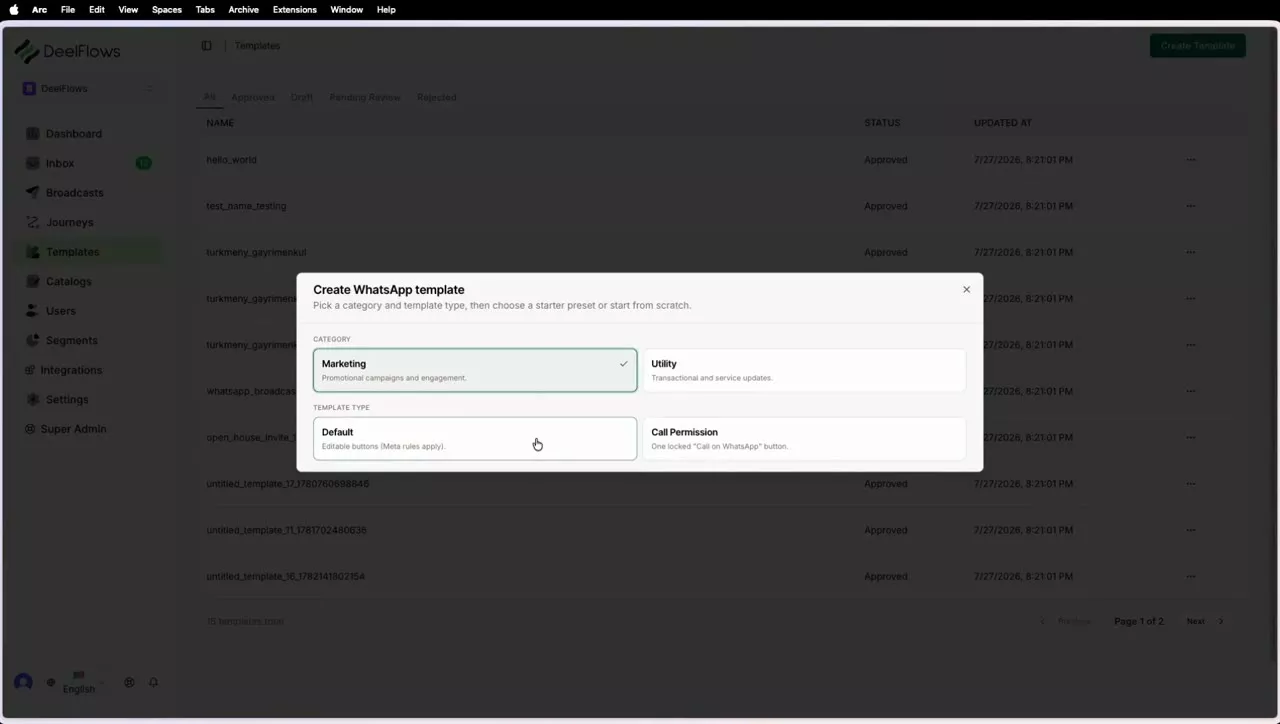
How to create a Template and get Meta approval
Build a Template, use Add Variable (User attributes, Global shortcodes, Events), submit for Meta review.
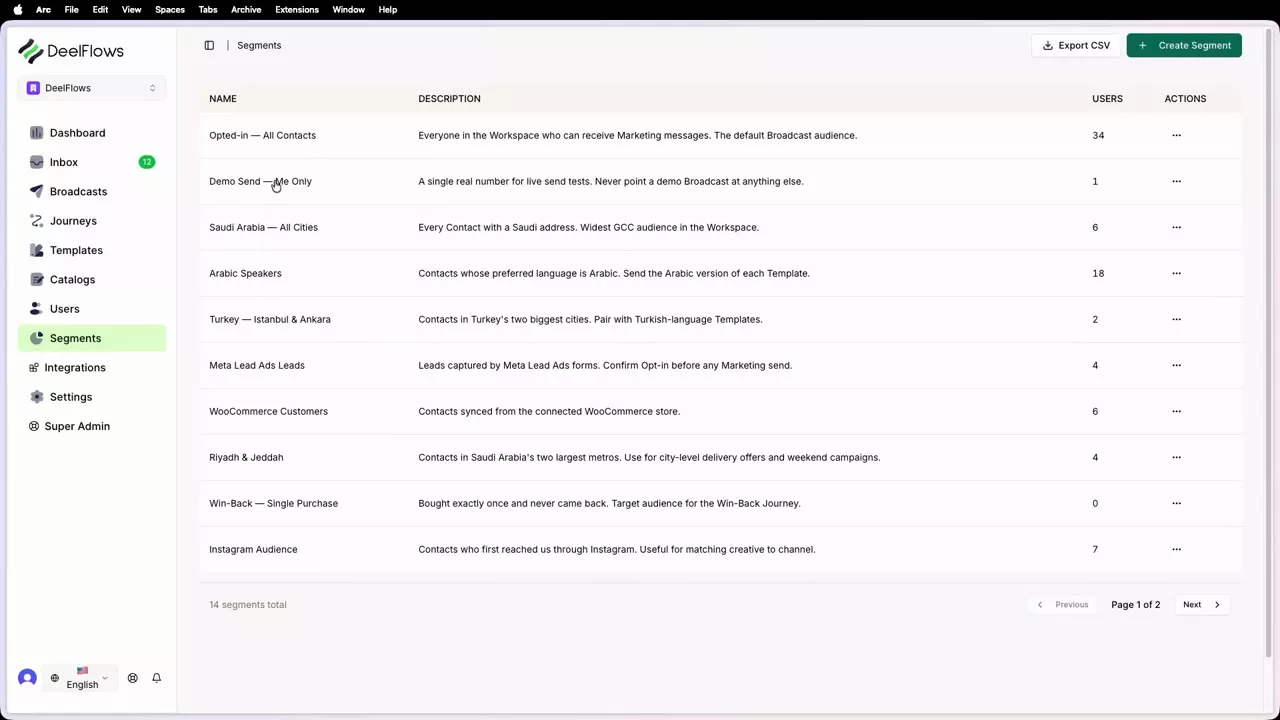
How to build filtered and fixed Segments
Live rules on user properties versus uploading a fixed phone list.
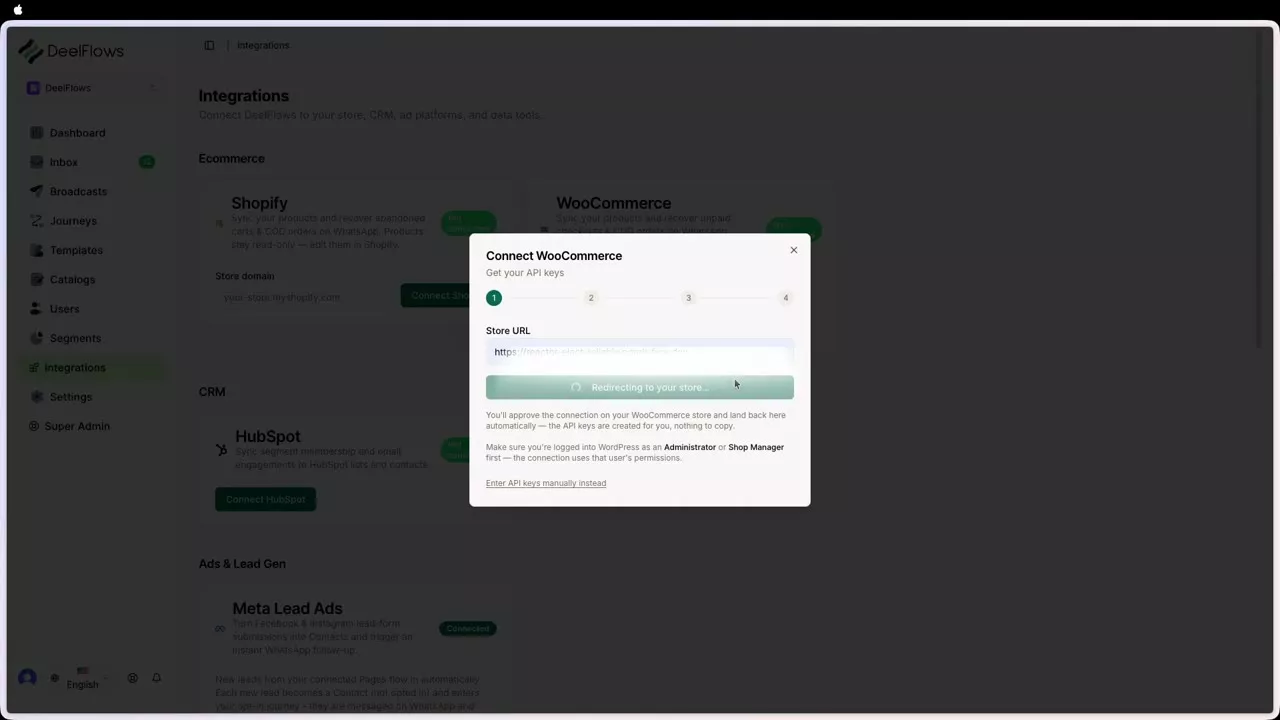
How to build your first Journey
Nodes: Entry, Delay, Wait For, Split, WhatsApp, Exit — plus Events variable bindings.
Can't find what you're looking for?
Contact Support