
How to create a Template and get Meta approval
Next video →Feature guides · 1:35
How to create a Template and get Meta approval
Build a Template, use Add Variable (User attributes, Global shortcodes, Events), submit for Meta review.
Transcript
SpeakerTemplates are pre-approved WhatsApp messages for Broadcasts, Journeys, and closed session windows.
SpeakerChoose Marketing or Utility, then write the body.
SpeakerAdd Variable has three tabs: User attributes for Contact data, Global shortcodes for Workspace values, and Events for journey trigger data.
SpeakerEvents variables like event checkout URL only resolve in Journeys with Event Entry — bind them on the WhatsApp node.
SpeakerSubmit for Meta review. When approved, use the Template in Broadcasts or Journeys.
More in this series
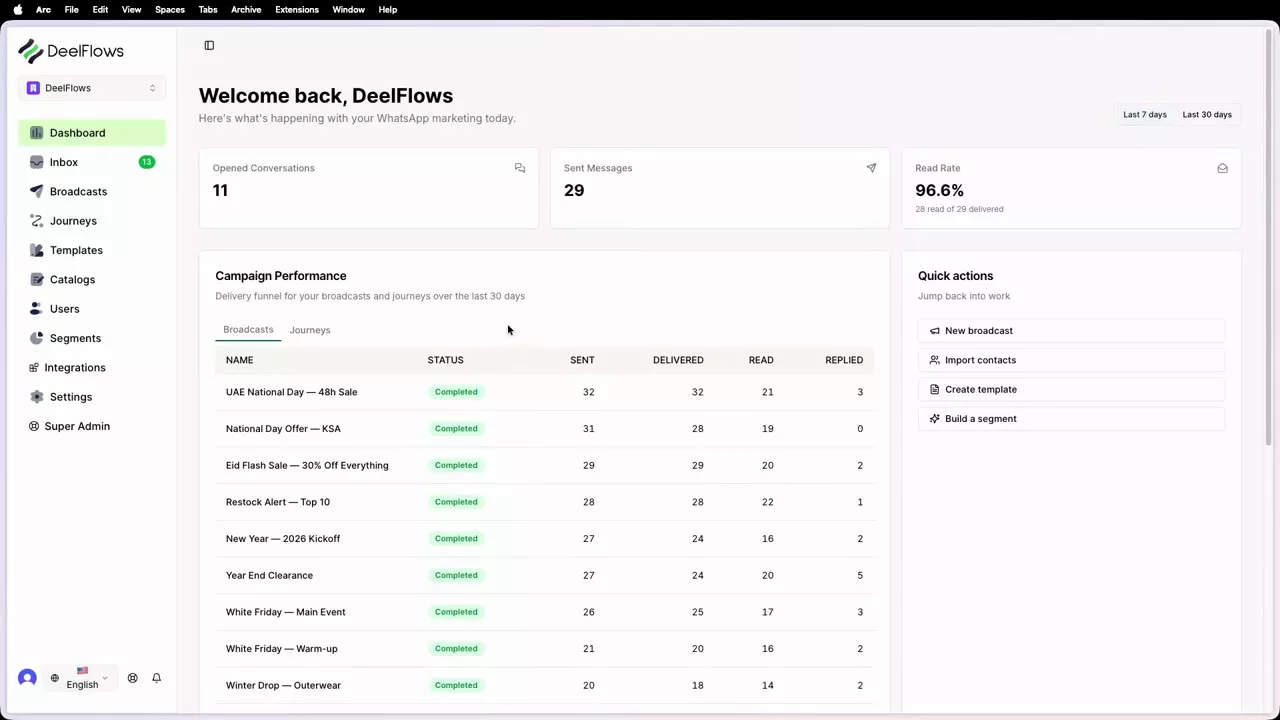
How to get oriented in DeelFlows for the first time
A 3-minute tour: Contacts, Templates, Broadcasts, Journeys, and Inbox.
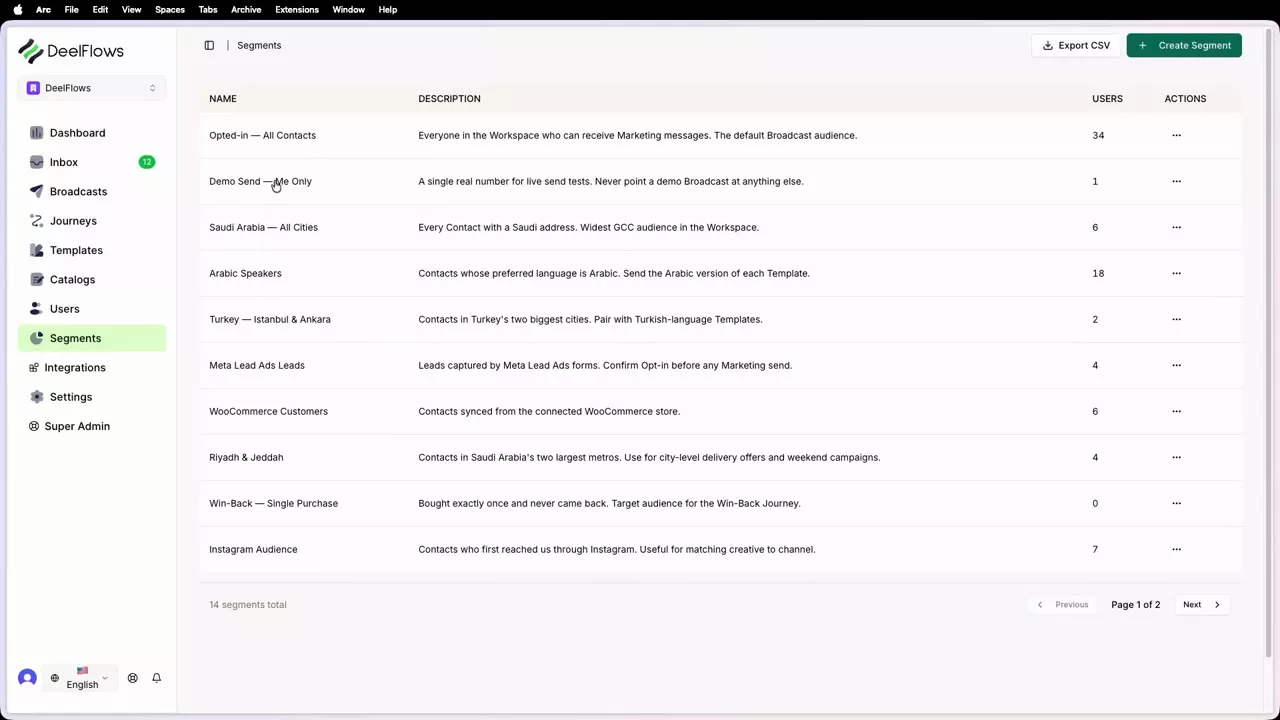
How to build filtered and fixed Segments
Live rules on user properties versus uploading a fixed phone list.
How to build your first Journey
Nodes: Entry, Delay, Wait For, Split, WhatsApp, Exit — plus Events variable bindings.
Can't find what you're looking for?
Contact Support