
Integrations
HubSpot Integration
Connect HubSpot to DeelFlows to sync contact lists, segments, and engagement data between platforms.
Reviewed by Mahmoud Ilyan · updated
What it is
The HubSpot integration syncs contacts, lists, and engagement events bidirectionally between HubSpot and DeelFlows.
Automatically import HubSpot contacts as DeelFlows Contacts and keep properties in sync.
Track WhatsApp engagement in HubSpot timelines and use it for lead scoring and workflows.
When to use it
- When you want to use HubSpot lists and segments to trigger WhatsApp Broadcasts or Journeys in DeelFlows.
- When you need to log WhatsApp interactions back to HubSpot for sales and marketing alignment.
- When you want to sync lead and customer data between your CRM and WhatsApp engagement platform.
- When you're using HubSpot workflows and want WhatsApp as an additional engagement channel.
Step by step
1. Connect Your HubSpot Account
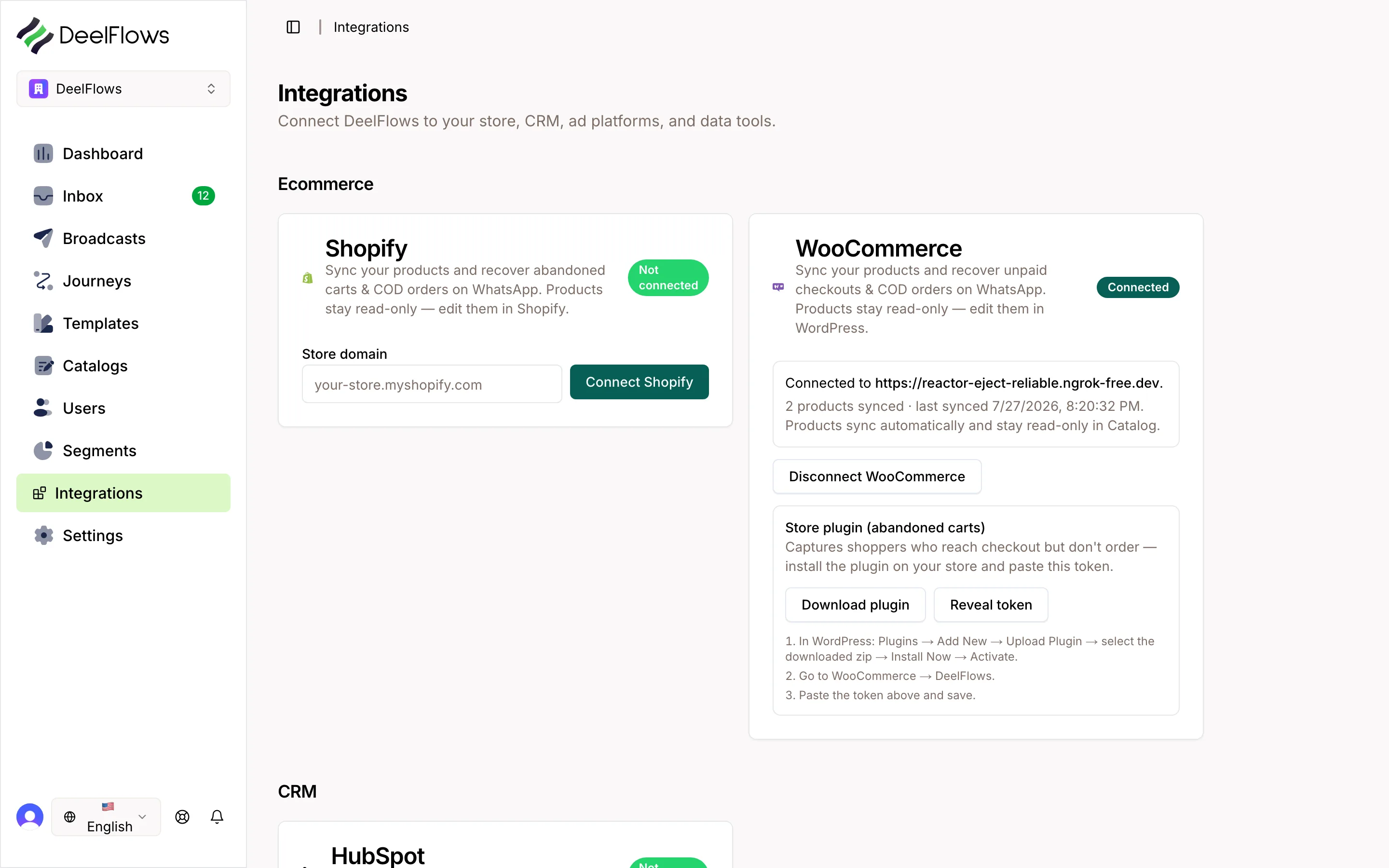
Go to Settings → Integrations in DeelFlows and click Connect next to HubSpot.
Authorize DeelFlows to access your HubSpot account by logging in and granting permissions.
DeelFlows requires read and write access to contacts, lists, and timeline events.
Once authorized, you'll be redirected back to DeelFlows with a confirmed connection.
2. Configure Contact Sync
Choose sync direction: one-way from HubSpot to DeelFlows, or bidirectional.
Map HubSpot contact properties to DeelFlows user properties: email, phone, name, custom fields.
Enable automatic sync for new contacts created in HubSpot.
Set sync frequency: real-time for instant updates, or scheduled (every 15 minutes, hourly, daily).
3. Sync HubSpot Lists and Segments
Import HubSpot lists as DeelFlows Segments to use in Broadcasts and Journeys.
Choose which lists to sync and set up automatic updates as list membership changes.
HubSpot active lists sync dynamically, while static lists sync once at setup.
4. Enable Engagement Tracking
Turn on WhatsApp engagement logging to send message opens, replies, and link clicks back to HubSpot.
These events appear in the HubSpot contact timeline and can be used in workflows and lead scoring.
Configure which events to log: Template sent, message delivered, message read, reply received, link clicked.
5. Test the Integration
Create or update a contact in HubSpot and verify it syncs to DeelFlows within the configured sync interval.
Send a WhatsApp message via DeelFlows and check that the engagement event appears in the HubSpot timeline.
Import a HubSpot list and confirm it appears as a Segment in DeelFlows.
FAQ & gotchas
Can I sync deals and companies from HubSpot?
Currently, the integration supports contacts and lists only. Deal and company sync is on the roadmap. Contact support for early access.
Does the integration work with HubSpot workflows?
Yes. You can use HubSpot workflow actions to trigger Journeys in DeelFlows, or use WhatsApp engagement events as workflow enrollment criteria.
What happens if a contact opts out in DeelFlows?
Opt-out status syncs back to HubSpot as a custom property so your HubSpot workflows can respect WhatsApp preferences.
Can I filter which contacts sync?
Yes. Use HubSpot list membership or property filters to define which contacts should sync to DeelFlows.
How are duplicates handled?
DeelFlows matches contacts by email or phone number. If a match is found, the existing Contact is updated instead of creating a duplicate.
Continue learning
Related articles
Salla Integration
Install DeelFlows from the Salla App Store and connect your store in one click to confirm COD orders and recover pending checkouts over WhatsApp.
→WooCommerce Integration
Connect your WooCommerce store to DeelFlows to sync products, track abandoned carts, and automate customer engagement through WhatsApp.
→Shopify Integration
Connect your Shopify store to DeelFlows to sync products, track checkout and order events, and build automated customer Journeys.
→Public API and Write Keys
Generate and manage API keys to connect external apps, ingest data, and automate workflows with DeelFlows.
→Can't find what you're looking for?
Contact Support